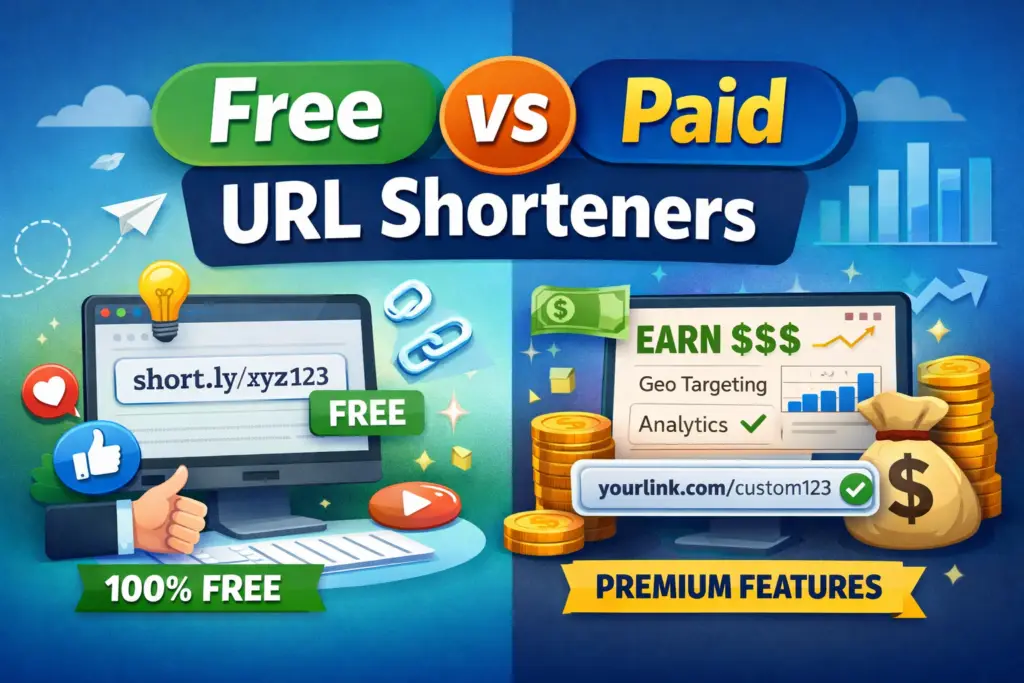
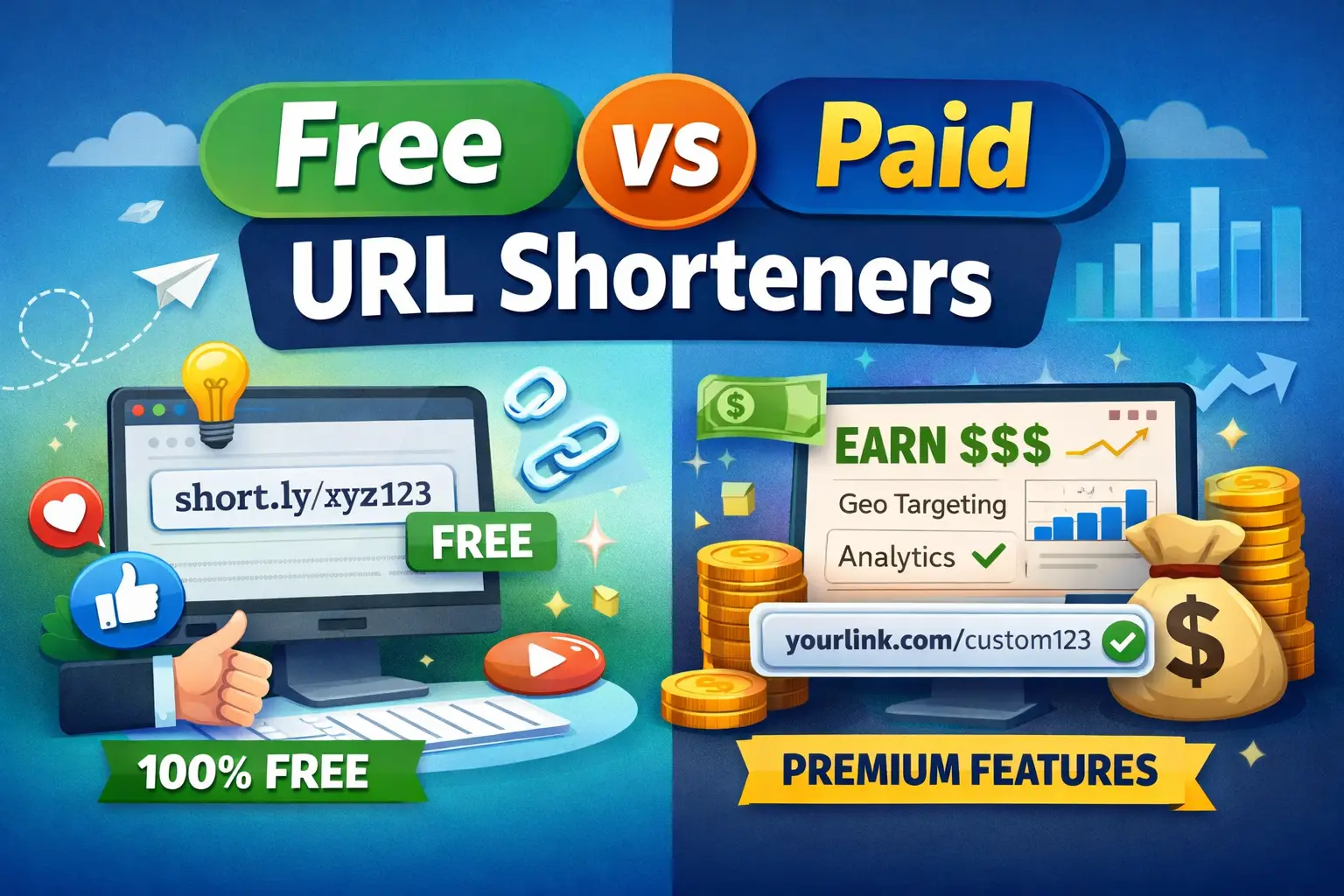
TL;DR: “Free vs paid URL shortener” is the wrong question in 2026. The real choice is between three categories: pure-free shorteners (TinyURL, is.gd) that just shorten, paid-branded shorteners (Cuttly, Rebrandly, Bitly) that give you analytics and a custom domain for $8–$149/month, and paid-monetizing shorteners (ShrtFly, AdFly) that are free for you AND pay you per click. Most “free vs paid” articles miss the third category entirely.
I’ve used all three categories across different projects since 2018. The honest answer about which one to pick depends entirely on what you’re optimizing for: clean links, brand control, or earnings. This post breaks down the real numbers — pricing tiers, CPM rates, the hidden costs of “free” plans, and which shortener actually fits each kind of user.
Quick Verdict — Which Shortener Should You Use?
| If you want… | Pick this category | Real example |
|---|---|---|
| A short link in 5 seconds, never log in | Pure free | TinyURL |
Branded yourname.co links + click analytics | Paid branded | Cuttly Starter ($12/mo) or Bitly Starter ($8/mo) |
| To earn money from every click on your existing audience | Paid monetizing | ShrtFly (free, daily payouts at $5) |
| Enterprise-grade UTM tracking + integrations | Paid branded — high tier | Bitly Premium ($300/mo) or Cuttly Team Enterprise ($149/mo) |
| To diversify away from AdSense | Paid monetizing | Make money shortening URLs |
If your goal is simply “get me a short link,” any free shortener works. If your goal is anything past that — analytics, a brand, or income — paying isn’t optional in 2026, and the question is just who you pay and who pays you back.
The Three Categories Most Articles Miss
Almost every “free vs paid URL shortener” article online treats this as a binary: cheap-and-limited versus expensive-and-feature-rich. That framing was correct in 2015. In 2026 it skips the most interesting category — shorteners where the publisher gets paid.
Here’s the actual landscape:
Category 1 — Pure Free (you pay nothing, you earn nothing)
The classic free shortener. Paste a long URL, get a short link, share. No login required, no ads on your link, no analytics, no branding, no income.
Representative tools: TinyURL, is.gd, free.url-shortener.io, ShortURL.at.
What you get: A working short link.
What you give up: Click data, custom domain, branded slug, link expiration, redirect rules, anything past the basic “long URL → short URL → destination” flow.
This is fine if you’re sharing a link in a chat once and forgetting it. It’s a poor fit for anything you’ll measure or scale.
Category 2 — Paid Branded (you pay them, you control the link)
The shortener acts as marketing infrastructure. You pay a monthly fee for a custom domain (yourbrand.co/launch instead of bit.ly/abc), full click analytics, UTM builders, integrations with marketing tools, and link expiration / redirect rules.
Representative tools: Cuttly, Bitly, Rebrandly, BL.INK, Short.io, Dub.
Pricing range: $8 to $300+ per month for solo / small teams; $1,000+ per month for enterprise.
What you get: Brand authority on every share, audit-ready analytics, control over every redirect.
What you give up: A monthly bill. Bitly’s free tier exists but in 2026 it’s a sample (10 links / month, ad page on every redirect, no analytics) — practically you’re on the paid track.
Category 3 — Paid Monetizing (they pay you for the clicks)
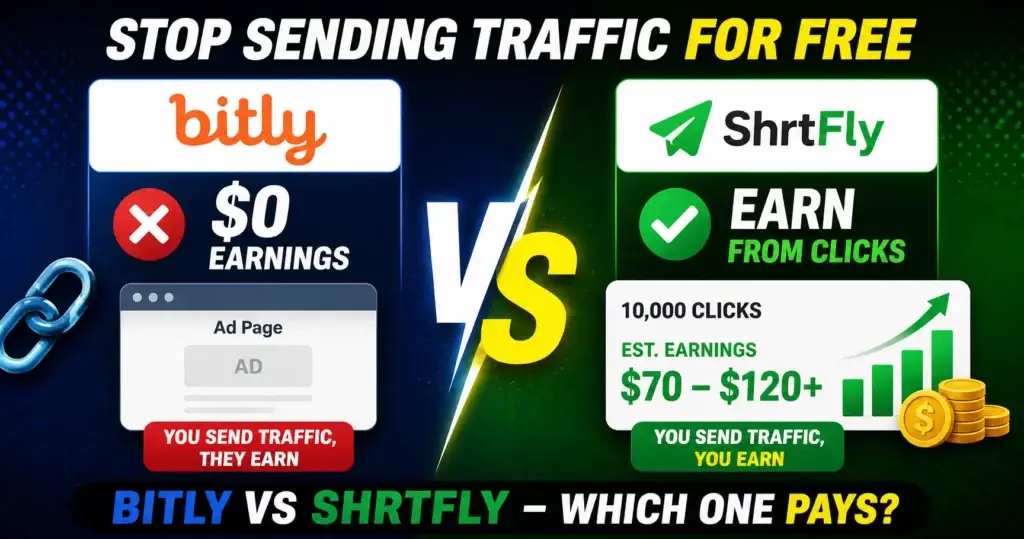
Same mechanic as Bitly’s interstitial ad page, but flipped: the shortener runs a 5-second ad before the redirect and shares the ad revenue with you. You don’t pay them. They pay you per 1,000 verified clicks (CPM), and the rate depends on the visitor’s country.
Representative tools: ShrtFly, AdFly, ShrinkEarn, Linkvertise, Ouo.io.
What you get: Real income on traffic you’d be sharing anyway. ShrtFly’s published payout rates range from $1 CPM in Tier-3 countries up to $22 CPM (Greenland) and $12 CPM (United States).
What you give up: A custom branded domain, the polished marketer-aesthetic of Bitly. Your share links look like shrtfly.com/abc and they include the interstitial ad page.
The trade is honest, and once you’ve seen the per-1,000-clicks math, it’s hard to unsee.
Pure Free Shorteners — What’s Actually Usable in 2026
Pure-free shorteners still exist, and they still work for casual one-off sharing.
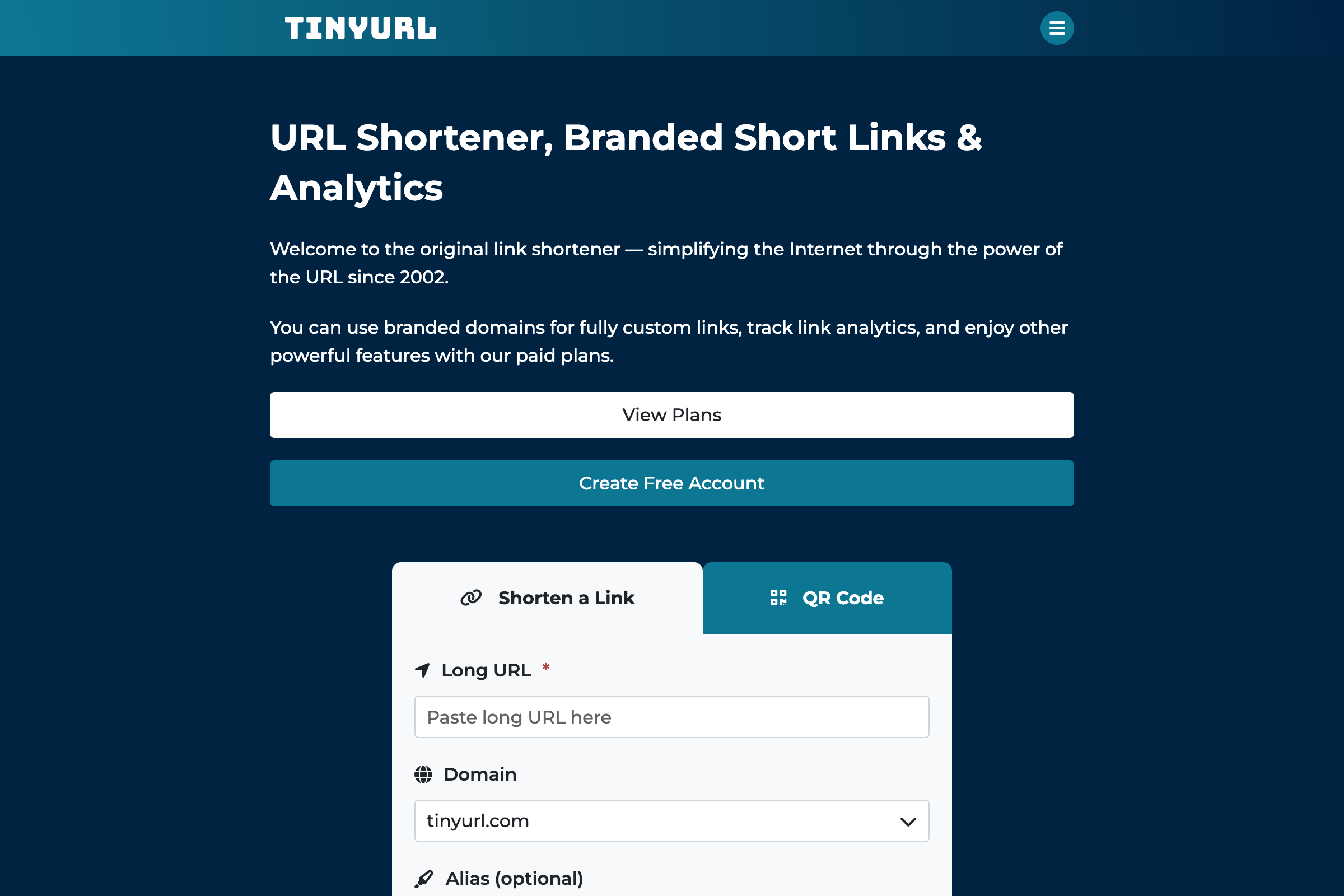
The honest list of pure-free shorteners that still work without a login:
- TinyURL — operating since 2002, no signup needed for basic shortening, ad-free links, very mature
- is.gd — minimalist, no ads, no expiration, popular with privacy-leaning users
- ShortURL.at — basic shortening, no signup
- free.url-shortener.io — minimal but stable
What every pure-free shortener has in common: no analytics for you, no income for you, no brand control, but no ads on the redirect either. The host eats the cost of running the service through ads on their own homepage, donations, or selling premium tiers separately.
If your only need is “I want this long URL shorter for one social share,” pure-free is correct. The moment you want to measure performance, segment by country, brand the link, or earn anything — you’re in Category 2 or 3.
Paid Branded Shorteners — Real 2026 Pricing
The most honest pricing in this category right now is Cuttly’s, because they publish a clear five-tier ladder.
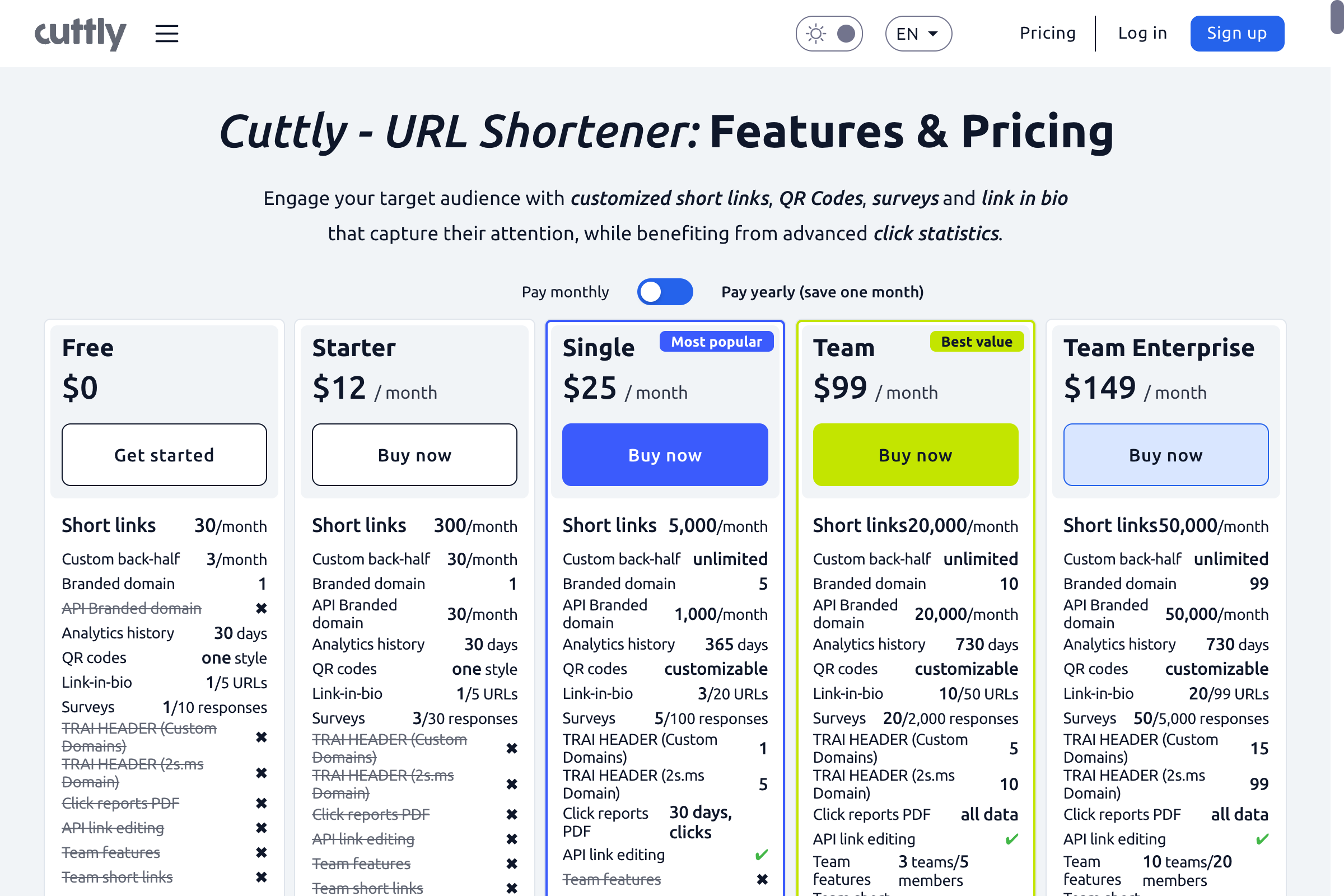
The category in real numbers (May 2026):
| Tool | Free tier | Entry paid | Top tier |
|---|---|---|---|
| Cuttly | 30 links/mo, branded short links | $12/mo (300 links, 365-day analytics) | $149/mo (50,000 links, full team) |
| Bitly | 10 links/mo, ad page on redirect | $8/mo (50 links, 1 custom domain) | $300/mo (3,000 links, city-level analytics) |
| Rebrandly | 25 links/mo, 1 custom domain | $13/mo (5,000 clicks tracked) | Custom enterprise |
| Short.io | 5,000 clicks/mo, 1 domain | $20/mo (50K clicks, multi-domain) | Custom enterprise |
| BL.INK | No free tier | $48/mo (2,500 links) | Custom enterprise |
A few patterns in the real data:
Cuttly’s free tier is the most usable of any “free” branded shortener in 2026 — 30 actual short links per month, branded short links available on the free tier, 30 days of click analytics included. You can run a small project on Cuttly free and not feel punished.
Bitly’s free tier is the least usable — 10 links per month and an interstitial ad page on every link (where Bitly keeps 100% of the ad revenue). The free tier exists mostly to upsell you. We covered this in detail in the ShrtFly vs Bitly breakdown.
Rebrandly and Short.io trade off in different directions — Rebrandly counts links, Short.io counts clicks. Pick based on whether your traffic is concentrated (few links, many clicks → Short.io) or spread out (many links, few clicks each → Rebrandly).
The “right” tier in this category depends entirely on whether you have a brand domain to attach. If you don’t, you’re paying $8–$48/month for analytics you could probably get from your existing site analytics — bad value. If you do, branded shorteners are worth every cent.
Paid Monetizing Shorteners — How the Math Actually Works
This is the category most “free vs paid” guides skip. Same product format as Category 2 (you paste a URL, get a short link, share it), but the revenue model flips.
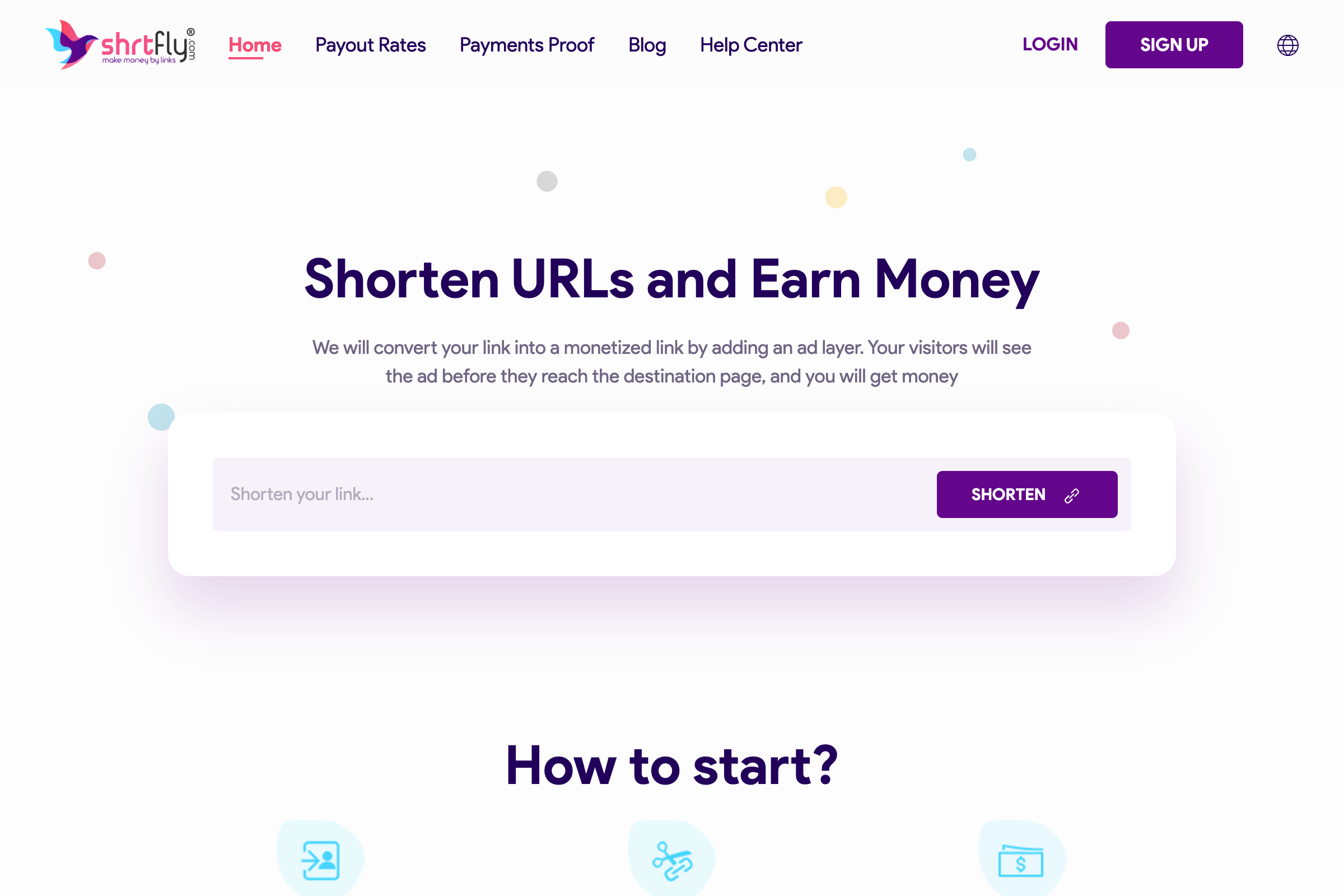
The flow:
- You sign up free at ShrtFly — no card, no minimum traffic
- Paste any long URL, get a short link
- Share that link anywhere — Telegram, blog, YouTube description, Discord, social
- A visitor clicks → sees a 5-second popunder ad → reaches your destination
- ShrtFly tracks the visit, calculates earnings based on the visitor’s country, credits your dashboard
- Withdraw at $5 minimum, daily payout window
The published rates as of May 2026:
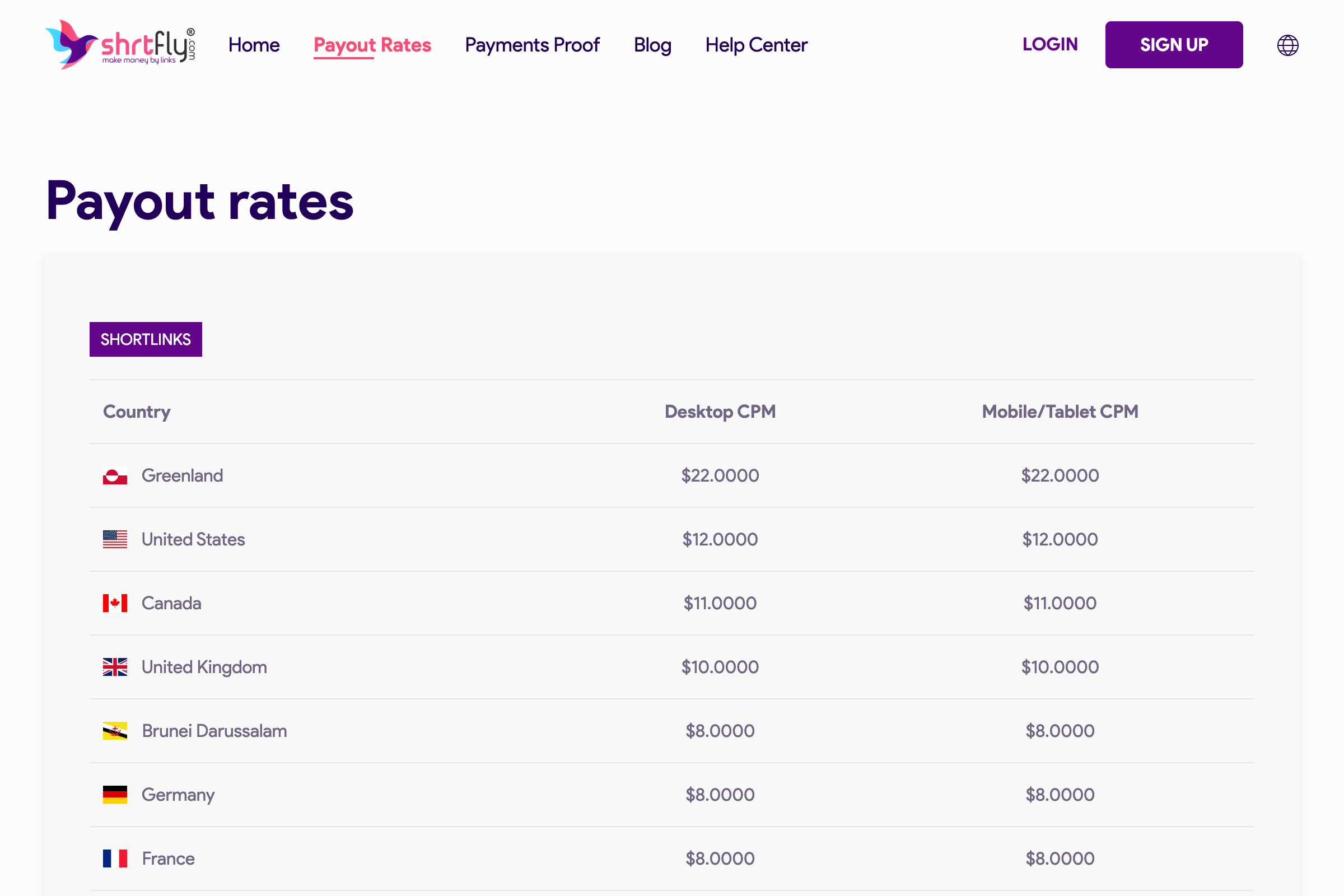
What that means in real revenue:
| Your monthly clicks | If 100% USA | If 100% Tier-3 | If mixed (50% Tier-1, 50% Tier-3) |
|---|---|---|---|
| 1,000 clicks | $12 | $1–$2 | $6–$7 |
| 10,000 clicks | $120 | $10–$20 | $60–$70 |
| 50,000 clicks | $600 | $50–$100 | $300–$350 |
| 100,000 clicks | $1,200 | $100–$200 | $600–$700 |
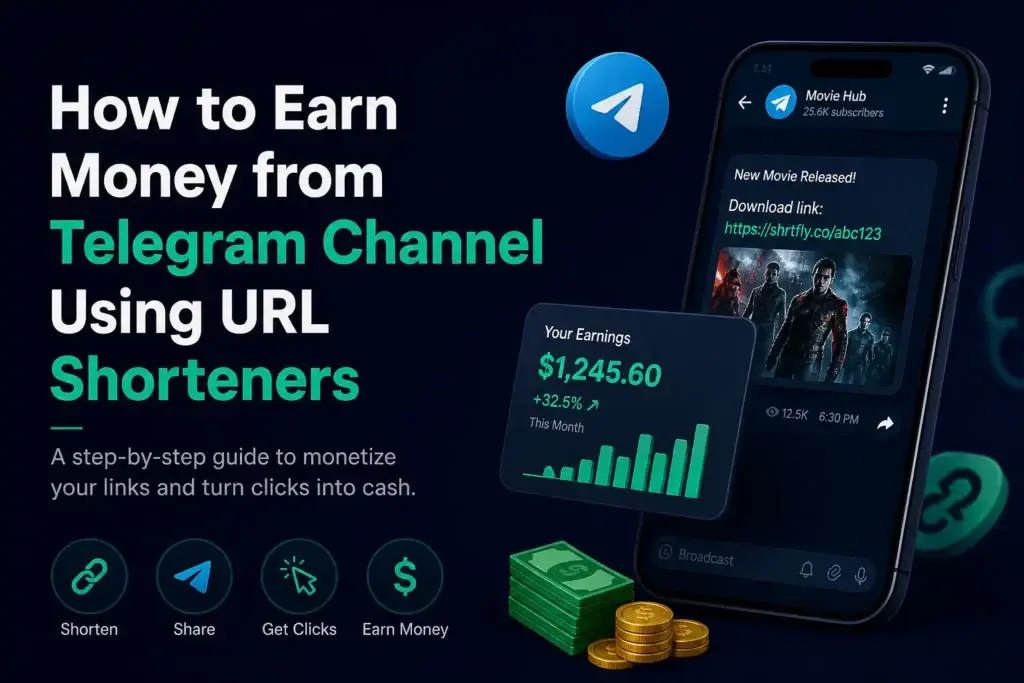
A 5,000-subscriber Telegram channel posting 2 daily download links can realistically push 3,000+ daily clicks and clear several hundred dollars a month from US-heavy traffic. We have a full Telegram channel monetization walkthrough covering the niche-and-traffic playbook.
Compared to paid branded ($8–$300/month going out), monetizing shorteners are a positive revenue line — if you have any audience that clicks links.
The Hidden Cost of “Free” in 2026
The “free is free” assumption is the most expensive mistake in this category. Three real costs to look at:
1. Bitly’s free tier silently shows ads on your links and keeps the revenue. When a visitor clicks a free-tier bit.ly link in 2026, they hit an ad-page interstitial before the redirect. Bitly earns from those impressions. You don’t. You’re effectively paying Bitly with your traffic. Their free plan also caps you at 10 links per month, so most use cases push you to the $8/mo Starter automatically.
2. Most “free” shorteners ban or rate-limit on traffic spikes. A pure-free TinyURL link will keep working at 10 clicks per day and 10,000 clicks per day. Most other free tiers (is.gd, free Cuttly, free Bitly) start throttling, deactivating, or showing CAPTCHAs once volume hits a threshold. You discover this exactly when your traffic is doing well — the worst possible time.
3. The bigger hidden cost: a free shortener with a bad reputation will get blocked by Telegram, WhatsApp, and YouTube. Some shorteners are flagged as spammy by major platforms. Your link works in your browser, but every share gets stripped or warned about. This is invisible until you check why your CTR collapsed.
The pure-free choice is correct only when you genuinely don’t care about any of those three.
When Each Category Actually Wins
After running all three categories across different projects, here’s the honest fit:
Use a pure-free shortener when:
- You’re sharing one link, once, in a personal chat
- You actively want NO analytics or login overhead
- The destination will exist for 6 months or less
- The audience is people who already trust you
Use a paid branded shortener when:
- You own a brand domain and want every share to look like
yourbrand.co/promo - You need UTM-builder integration with HubSpot / Marketo / GA4 / Mixpanel
- A marketing or compliance team needs audit-quality click data
- You’re running paid ads where attribution-down-to-the-city matters
Use a paid monetizing shortener when:
- You already share download / deal / tutorial / coupon links to a real audience
- Your audience clicks on links (Telegram channels, YouTube descriptions, blog posts, Discord, Reddit threads)
- You’re in or adjacent to a niche where AdSense is restricted or limited
- You’d rather have $50–$500/month flowing in than zero
The categories aren’t mutually exclusive. A lot of pros run both — Bitly Starter for branded company-domain links, ShrtFly for content-distribution links where earning matters. The one mistake to avoid is paying for a branded shortener while never sharing the kind of high-volume content that justifies the brand investment.
A Frame for Picking Quickly
If you have to decide in 30 seconds, ask one question: how much value does an average visitor click already have for me?
- A click worth less than $0.001 (random low-intent share) → pure free is fine
- A click worth $0.01–$0.10 (you have a brand and the click might convert) → paid branded earns its cost
- A click worth $0.005–$0.02 measured purely as ad revenue → paid monetizing wins, because the shortener captures that for you
The mistake most beginners make is treating every click the same. They aren’t. The cost of routing them through the wrong shortener compounds.
FAQ
Is a free URL shortener safe to use in 2026? Established free tools (TinyURL, is.gd, ShrtFly free, Cuttly free) are safe. The risk isn’t the shortener itself — it’s the destination. Avoid newly-launched shorteners with no operating history; those occasionally turn into malware redirects. Stick to services that have been running 2+ years and have a public payment history if relevant.
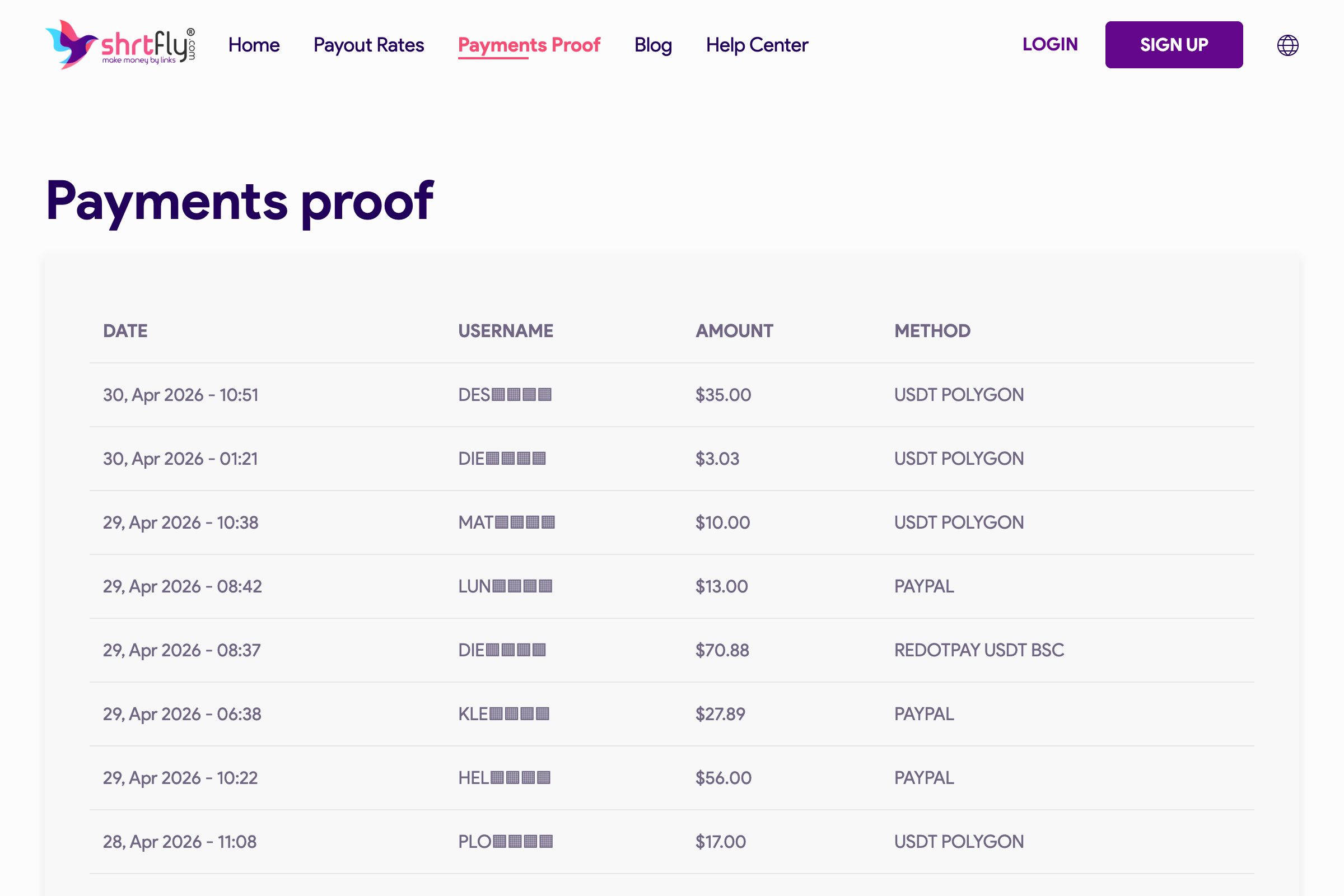
Can I really earn money from a free monetizing shortener like ShrtFly? Yes. Real, withdrawable money — not “credits” or “points.” ShrtFly publishes payment proofs updated daily, with payouts via PayPal, Payoneer, Paytm, and USDT. Earnings depend on visitor country (Tier-1 = $8–$22 CPM, Tier-3 = $0.50–$2 CPM), but the model itself is real and has been operating since 2018.
Will switching from Bitly free to a different shortener hurt my SEO? No. Both Bitly and ShrtFly use 301 redirects, which pass link equity to the destination. The destination URL is what gets indexed and ranked, not the shortener domain. SEO impact is neutral.
What’s the actual difference between Cuttly free and Bitly free in 2026? Cuttly free gives you 30 short links per month with branded short links and 30 days of analytics, no ad page on redirects. Bitly free gives you 10 short links per month, no branded short links, no analytics, and an interstitial ad page on every redirect (where Bitly keeps the ad revenue). Cuttly’s free tier is significantly more usable in 2026.
Is it OK to use multiple shorteners on the same site? Yes, and most pros do. The pattern: a paid branded shortener for official company/personal-brand share links (homepage, press, marketing campaigns) and a paid monetizing shortener for content-distribution links (download mirrors, tutorial references, deal posts). They serve different jobs.
Which one ranks the best in URL shortener search results? Bitly dominates “URL shortener” branded searches because it’s been the default since 2008. TinyURL holds steady on “free shortener” intent. ShrtFly and similar monetizing shorteners rank for the “earn money shortening URLs” cluster — different traffic, different intent. They aren’t competing for the same query.
Are there free monetizing shorteners or only paid-monetizing ones? “Paid monetizing” in this article means they pay you — the model is free for the publisher. ShrtFly, AdFly, ShrinkEarn, Linkvertise are all free to sign up and use. The revenue split is 50–80% of ad revenue going to the publisher, depending on the platform.
Summing Up!
The “free URL shortener vs paid short links” framing is incomplete. There’s a third category that beats both for content creators with real audiences — paid-monetizing shorteners that flip the revenue direction.
If you’re sharing one link to a friend, use TinyURL and be done. If you have a brand and a marketing budget, pay Cuttly or Bitly the $8–$25 a month and treat your links as marketing assets. If you have an audience that clicks links — even a small one — sign up for ShrtFly free, paste your next download or deal link through it, and watch the dashboard. The first $5 hits faster than most people expect, and that’s measurable income on traffic you were giving away.
The decision isn’t free versus paid. It’s which of the three real categories matches what you’re actually doing.